How to rate a support ticket
Please follow the following steps to complete this proccess
Step 1 : Login to your sive.host account
- Click on clients
- manage account
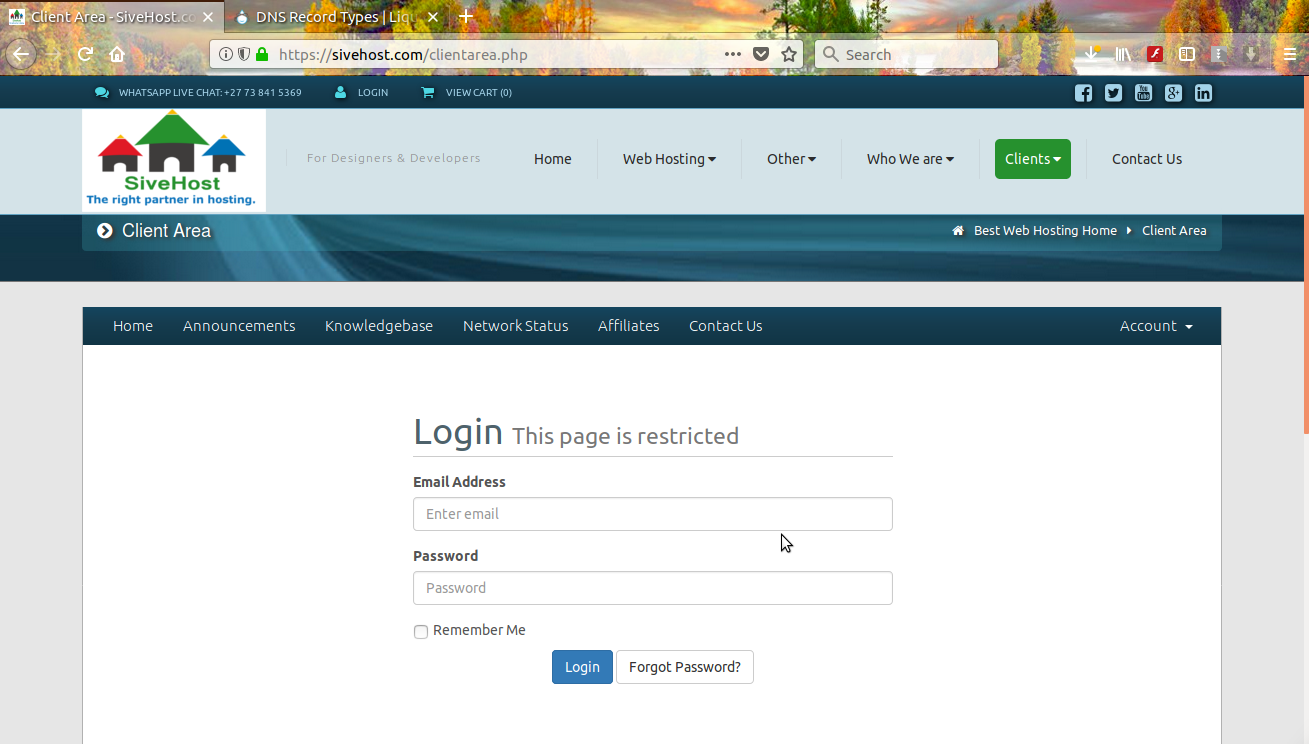
Step: 2 Click on Ticket number
Step 3: Rate Ticket Respond

How to rate a support ticket
Please follow the following steps to complete this proccess
Step 1 : Login to your sive.host account
Step: 2 Click on Ticket number
Step 3: Rate Ticket Respond
Which dental practice would you choose to contact given the following email addresses:...
After over a decade without any major upgrades to the language, PHP 7 made its debut in...
Just like the Serengeti wildebeest migration driven by the November rains, gradually they...
Customers today are flooded with emails – and become selective on what they open. It is...
Unless you’re a small business owner who is not interested in growing your brand, you need to...
Our experts will transfer your site securely with zero downtime - at no extra cost. Hassle-free migration handled by our team so you can focus on your business.


Copyright © 2026 kele studio. All Rights Reserved.